Salon Inventory Management Without the Headache
Keep track of products, stock, purchases and usage without relying on spreadsheets.
What You Can Do
Product Management
Keep all your salon and retail products in one list.
Stock Tracking
See how much of each product you have in stock.
Purchases
Create and track purchase orders from your suppliers.
Usage
Track how much product is used in your services.
Low Stock
Know when a product is running low.
Inventory Reports
See stock, purchases and usage in simple reports.
Purchase to Consumption Workflow
- Add products to inventory
- Create purchase orders for suppliers
- Receive stock to update quantities
- Record product consumption during services
- Track low stock alerts and reorder
See It in Action
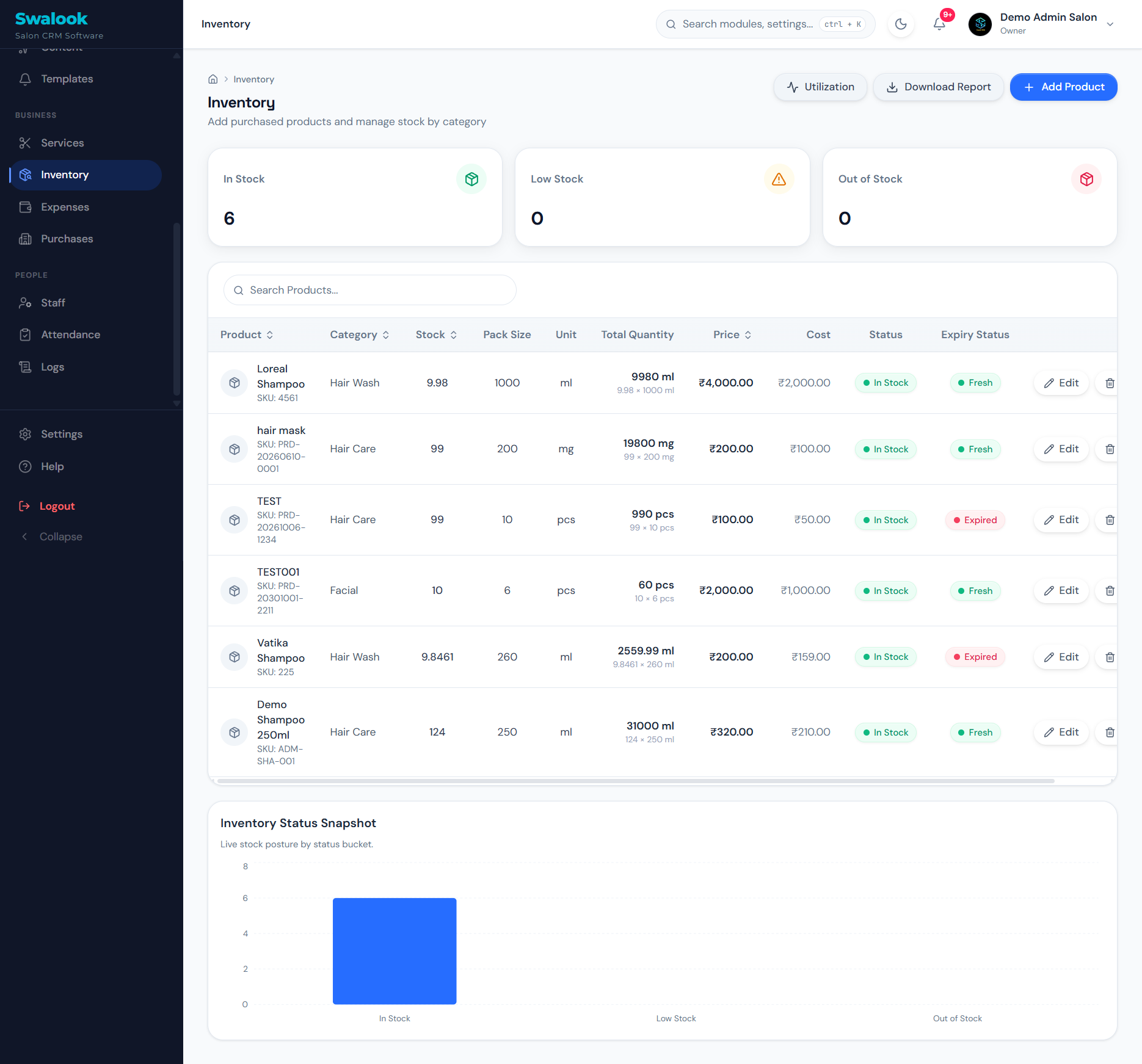
Track available products and monitor usage
How Salons Use This
Low Stock Alerts
Get notified when essential products are running low so you never run out during a busy day.
Service Consumption
Track exactly how much product is used per service to manage costs and reduce waste.
Frequently Asked Questions
Does the system alert me when stock is low?
Yes, you can set low stock thresholds and the system will highlight items that need reordering.
Can I track retail products separately from salon use products?
Yes, you can manage retail inventory for sale and professional inventory for service consumption.
Ready to Know Your Salon Better?
See how Swalook can help you manage your salon, understand your customers, bring them back and find new ones.
Book a Demo